
📅 Save the Date · Peacock Palace
Tell us about the celebration
Names, family, ceremonies and photos first. Designs come next — and every one of them will already have your details in it.
Save the date
Your names and the date on a golden scratch cardThe card says “are getting married” and the scratch card reveals the wedding date.
Leave these off for a simple save-the-date. Tick any of them later — the same link updates for everyone.
1 The couple
Not chosen yet — the design uses its usual order.
2 When & where
Tap a chip below to add a function — then fill its venue, date and time.
Add more (optional)
Opening image
The first picture guests see, and the video after it · cover image, “Tap to open” button, opening video and the background after it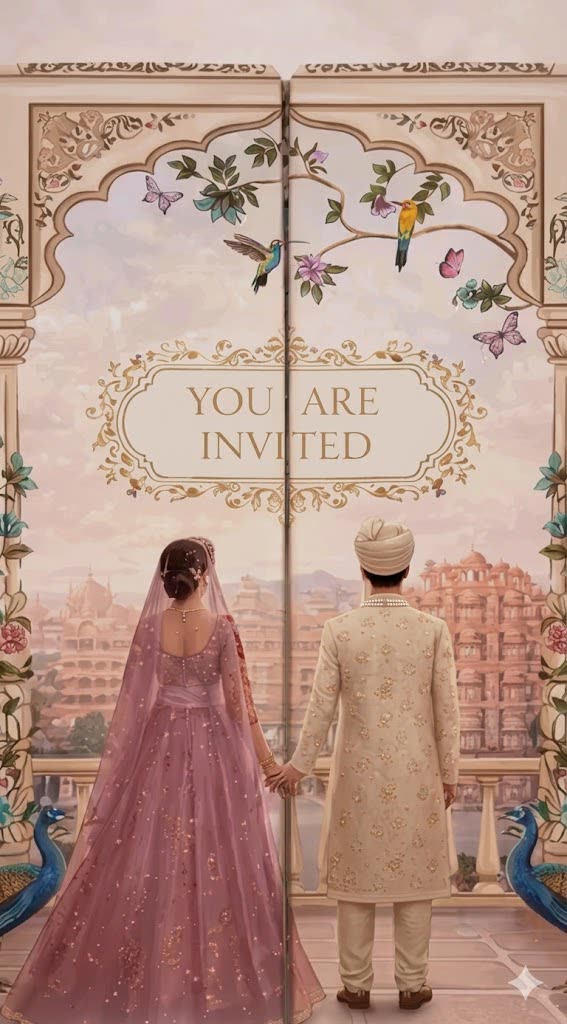
Best as a tall (portrait) photo, about 1080 × 1920. Showing the design’s own image.
Leave off when the picture already has these words drawn in. Guests can tap anywhere on the image.
Opening video
The design’s own film plays after the opening screen. Change it above, or tick this box to remove it.
Background after the opening video
The picture behind SAVE THE DATE and your names — the first screen after the opening video.